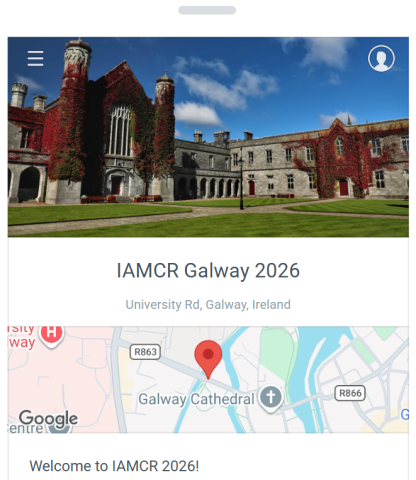
Get the conference app to access the full schedule on your mobile device and start building your personal schedule. You’ll be able to use the app to connect with other IAMCR members and participants, receive notifications from organisers. share photos and more.
Get the Ex Ordo app from google play or the app store:


Once the app is installed, click the Ex Ordo icon that now appears on your phone screen. You can choose to create an account or log in if you have an existing account.
Because this guide requires a passphrase, you will need to navigate to the "Find Guides" tab and click on the Have a Passphrase button. Please enter the passphrase: galway2026
The app is available to all IAMCR members, whether or not you are in Galway. With the app members who aren't in Galway will also be able to follow conference activities, contact others, and see the photos shared from the conference.
If you would like to receive notifications from the conference organisers and interact with other users of the guide you will have to log in. Here is an article that explains the process - Check in and Connect
NOTE: You have to create a new account for logging into the guide. Your Ex Ordo credentials won't be recognised in the mobile app when you try to log in.